Overview
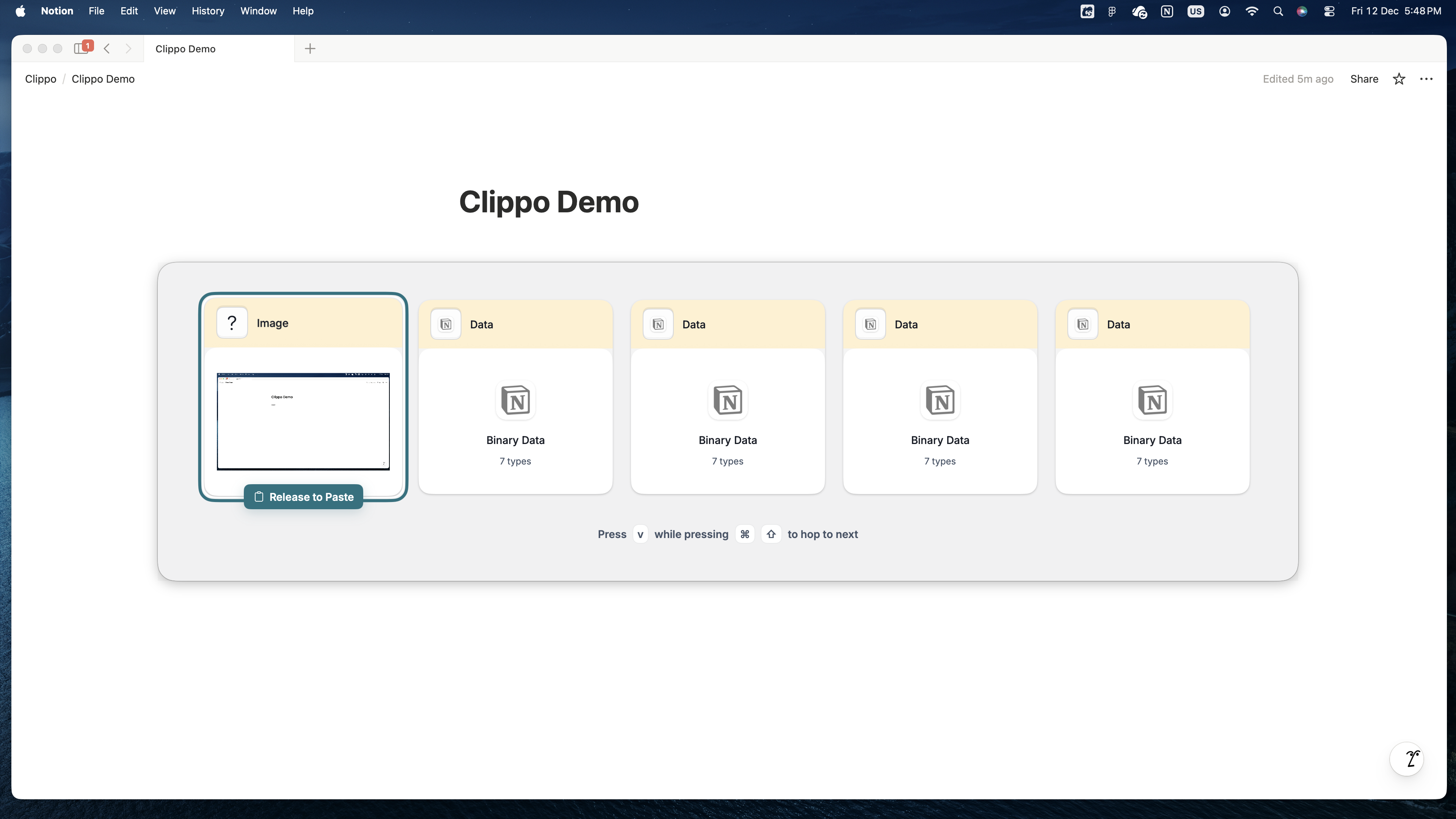
Clippo is a clipboard manager for macOS that helps you manage your clipboard history. We are
committed to protecting your privacy.
Data Collection
What We Collect
Clippo collects and stores the following data locally on your device only:
- Clipboard content (text, images, files, URLs) - up to 5 most recent items
- Application settings (dark mode preference, hotkey configuration, password protection toggle)
- Source application identifier (for password manager detection and binary data display)
What We DON'T Collect
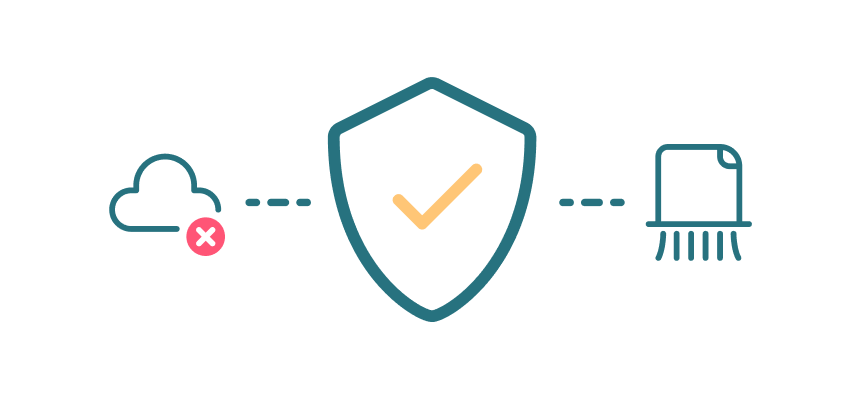
- We do NOT send any data to external servers
- We do NOT track your usage or behavior
- We do NOT collect personal information
- We do NOT use analytics or telemetry
- We do NOT share data with third parties
Data Storage
Local Storage Only
All clipboard data is stored only in your device's RAM (memory). This means:
- Data is automatically cleared when you quit the app
- Data is never written to disk
- Data cannot be accessed by other applications (except through standard macOS accessibility APIs)
- Data is lost if your Mac restarts or crashes
Settings Storage
App settings are stored in macOS UserDefaults:
- Dark mode preference
- Hotkey configuration
- Password protection setting
- Onboarding completion status
These are standard macOS preferences and remain on your device.
Data Usage
How We Use Your Data
Clippo uses clipboard data solely to:
- Display your clipboard history in the app interface
- Allow you to select and paste previous clipboard items
- Detect and ignore passwords/secrets (if you enable this feature)
- Show relevant icons for different content types
Password Protection Feature
When enabled:
- Clippo attempts to detect password-like content
- Detected passwords are ignored and NOT stored
- Detection is heuristic-based and happens locally
- We identify password managers by their bundle identifiers
- No password data ever leaves your device
Permissions
Required Permissions
Clippo requires the following macOS permissions:
- Accessibility Access: To simulate paste operations (Cmd+V) automatically
- Clipboard Access: To read clipboard content (inherent to the app's function)
Why We Need These Permissions
- Accessibility access allows Clippo to automatically paste content into other apps
- Without accessibility access, you can still copy items, but auto-paste won't work
- Clipboard access is read-only from the system clipboard
Security
Security Measures
- All data processing happens locally on your device
- No network connections are made
- No external dependencies or third-party SDKs
- Clipboard history limited to 5 items to minimize exposure
- Optional password detection to protect sensitive data
- Data automatically cleared on app quit
What You Should Know
- Clippo has the same access to clipboard data as any app you paste into
- We recommend enabling "Ignore Passwords" for additional security
- You can manually clear history at any time from the menu
Your Rights
You have the right to:
- Clear your clipboard history at any time (Menu → Clear History)
- Disable the app completely (Menu → Quit Clippo)
- Revoke accessibility permissions (System Settings → Privacy & Security → Accessibility)
- Uninstall the app completely (just delete Clippo.app)
Children's Privacy
Clippo does not knowingly collect data from children under 13. The app is not directed toward
children.
Changes to This Policy
We may update this privacy policy from time to time.
Contact
For privacy concerns or questions, please contact us through our GitHub repository.
Open Source
Clippo is open source. You can review the source code to verify our privacy practices:
https://github.com/shreeyashsalunke/clippo.
Compliance
- This app complies with applicable privacy laws
- We do not collect personally identifiable information
- We do not require user accounts or registration
- All data processing is local and transparent
AI Development Disclaimer
This tool was "vibe coded" and built with the assistance of Artificial Intelligence
(AI). While we strive for accuracy and reliability, AI-generated code may contain errors, bugs, or
unintended behaviors. Users are advised to use this software with this understanding. We assume no
liability for any issues arising from the use of this software.
Summary:
Clippo works entirely on your device. Your clipboard data stays on
your Mac, in memory only, and is never sent anywhere. Period.